Quality of life
- 5topics
- 1 clickto read the details
- No duplicate guidecontent
Find a quality-of-life feature
Choose a topic to browse useful shortcuts, automations and services. Each card links to the page explaining the feature, without repeating its instructions here.
- Combat
Shorter monster turns
Spend less time waiting between their actions.
Read more → - Combat
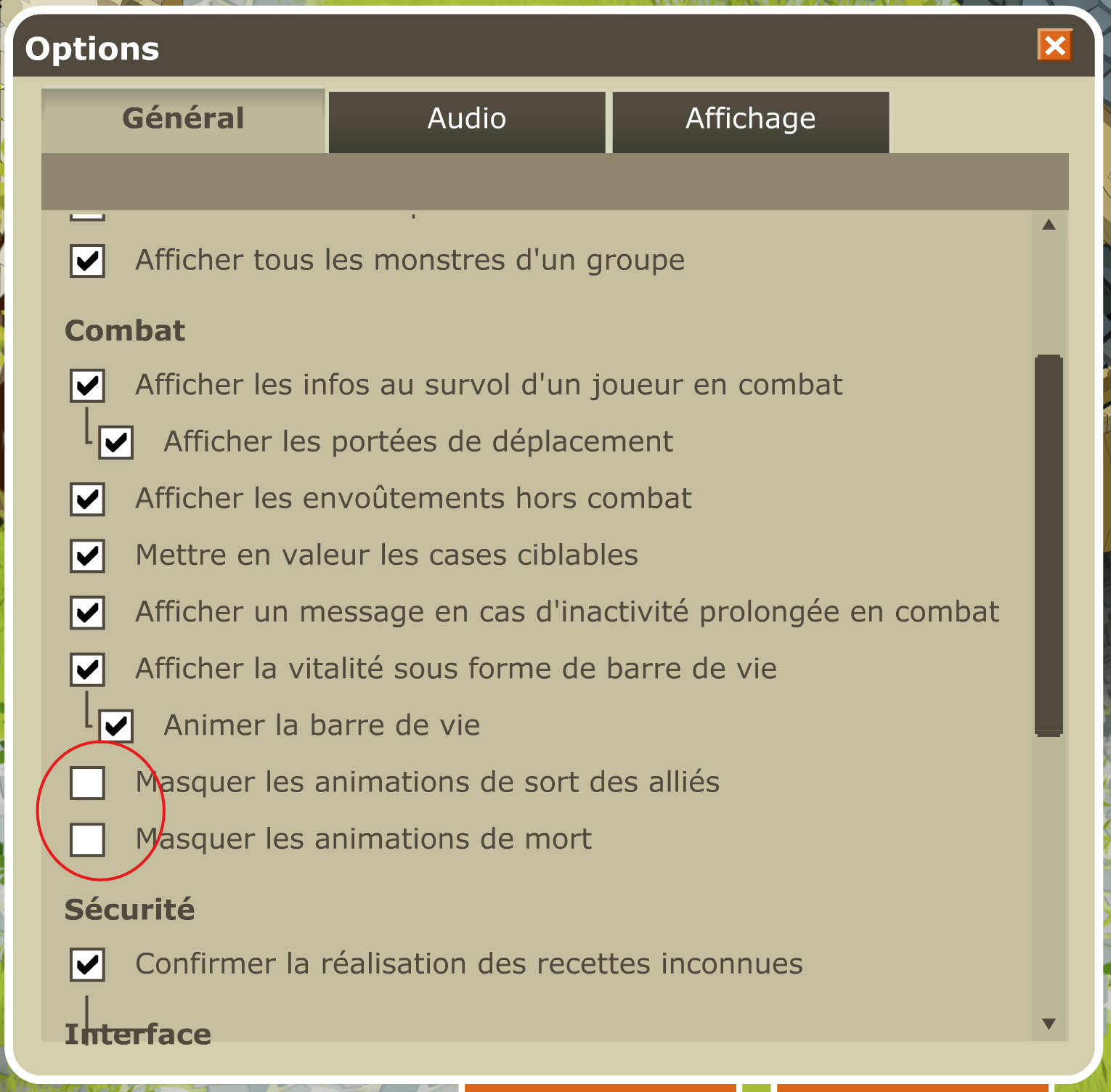
Hide animations
Speed up allied spells and the removal of defeated fighters.
Read more → - Combat
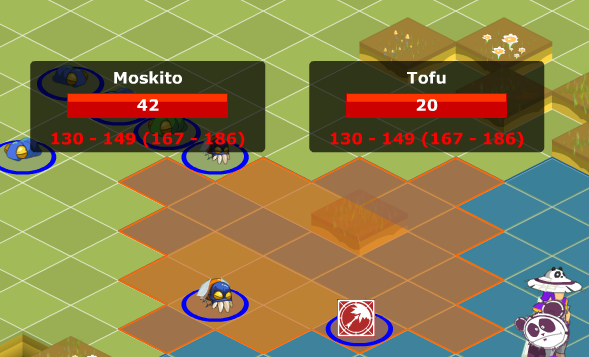
Preview damage and healing
See an estimated range before casting a spell.
Read more → - Combat
Keep your team formation
Your hero team’s placement can be remembered for the next fight.
Read more → - Combat
Click any monster in a group
Click to start a fight against the group; walking through it does nothing.
Read more → - Combat
Hunt archmonsters
All 286 archmonsters appear as one copy outside dungeons and return after 25 to 40 minutes.
Read more → - Combat
Find wanted notices
Monsters you have captured are visible in the Astrub prison.
Read more → - Team and characters
Play up to 8 characters in one window
Hero mode combines a main character and up to seven heroes; its guide covers setup, options and limits.
Read more → - Team and characters
Save and restore teams
Name multiple lineups and choose whether the last played team returns at login.
Read more → - Team and characters
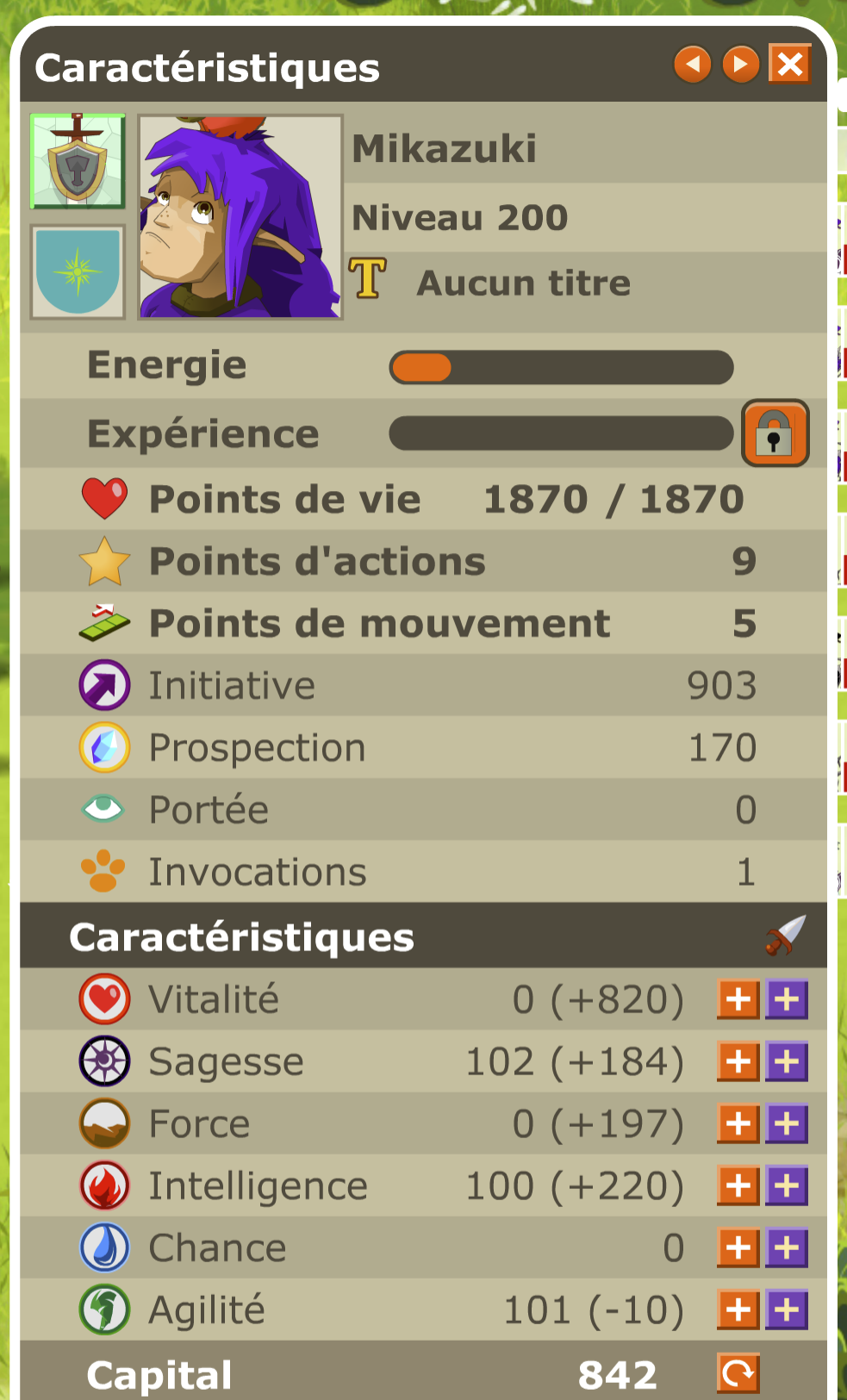
View a hero’s characteristics
Open the hero sheet and adjust points when you change roles.
Read more → - Team and characters
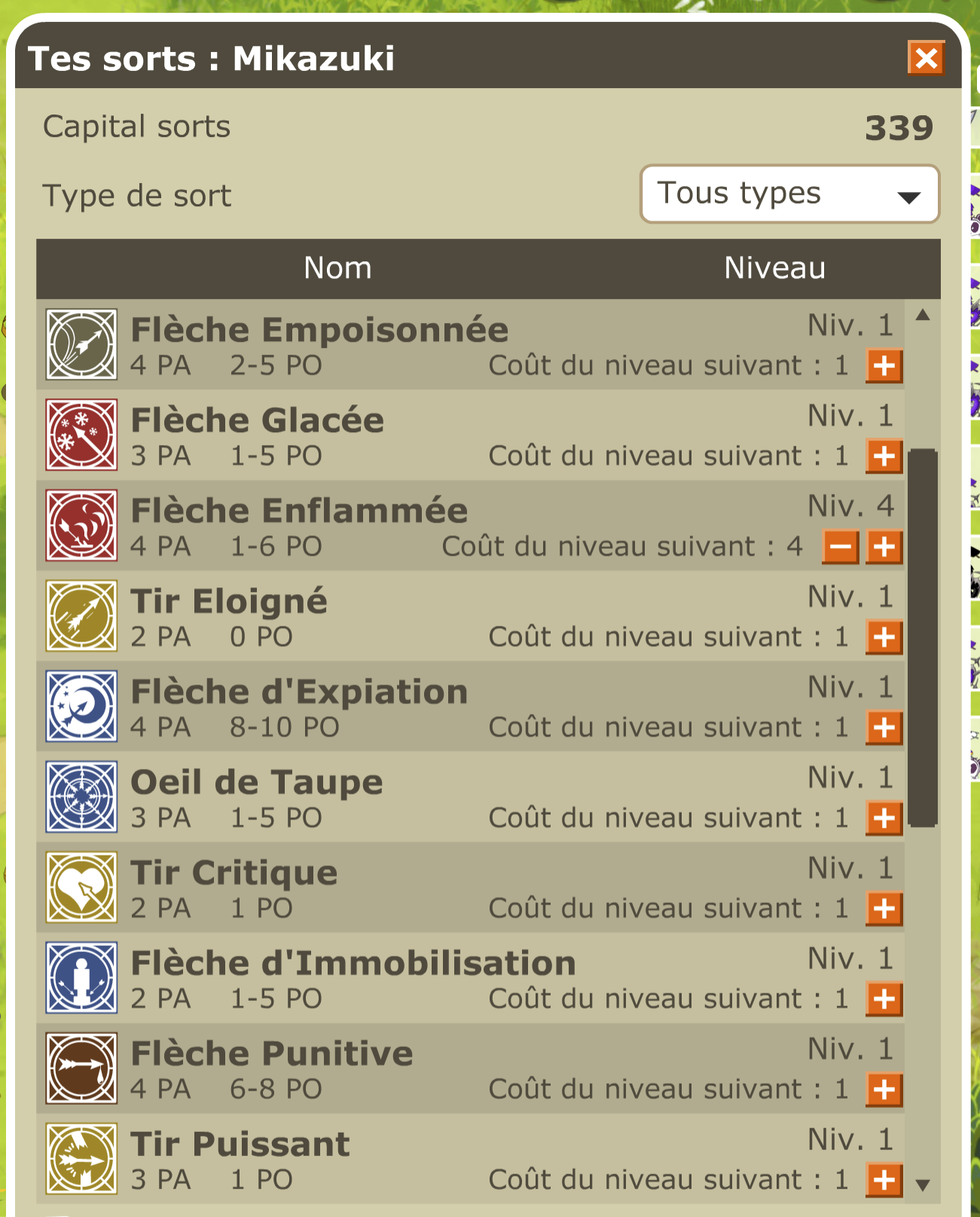
Manage a hero’s spells
Review spells and prepare the shortcut bar before the next fight.
Read more → - Team and characters
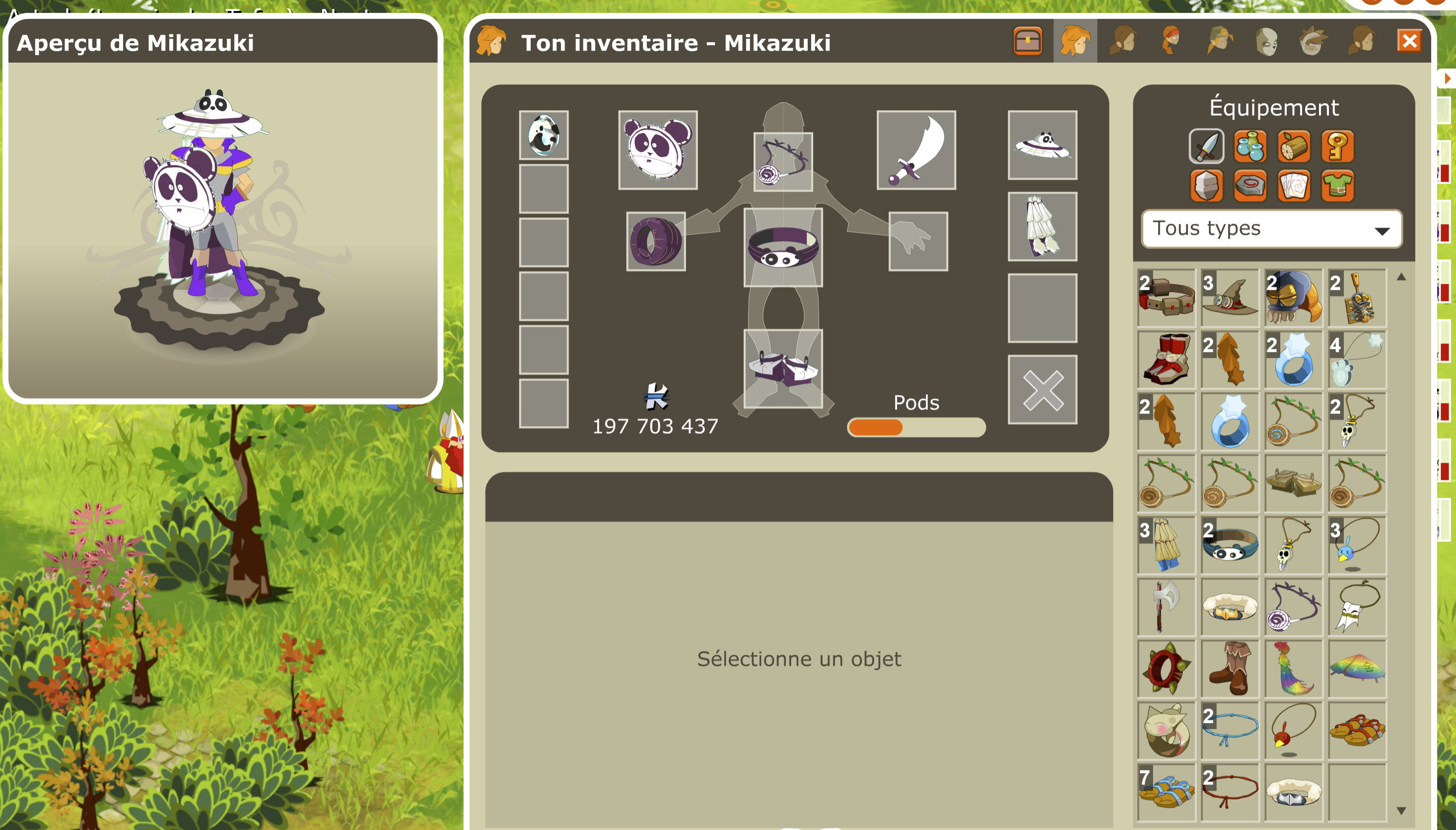
Transfer a hero’s equipment
Open the inventory and drag items between characters.
Read more → - Team and characters
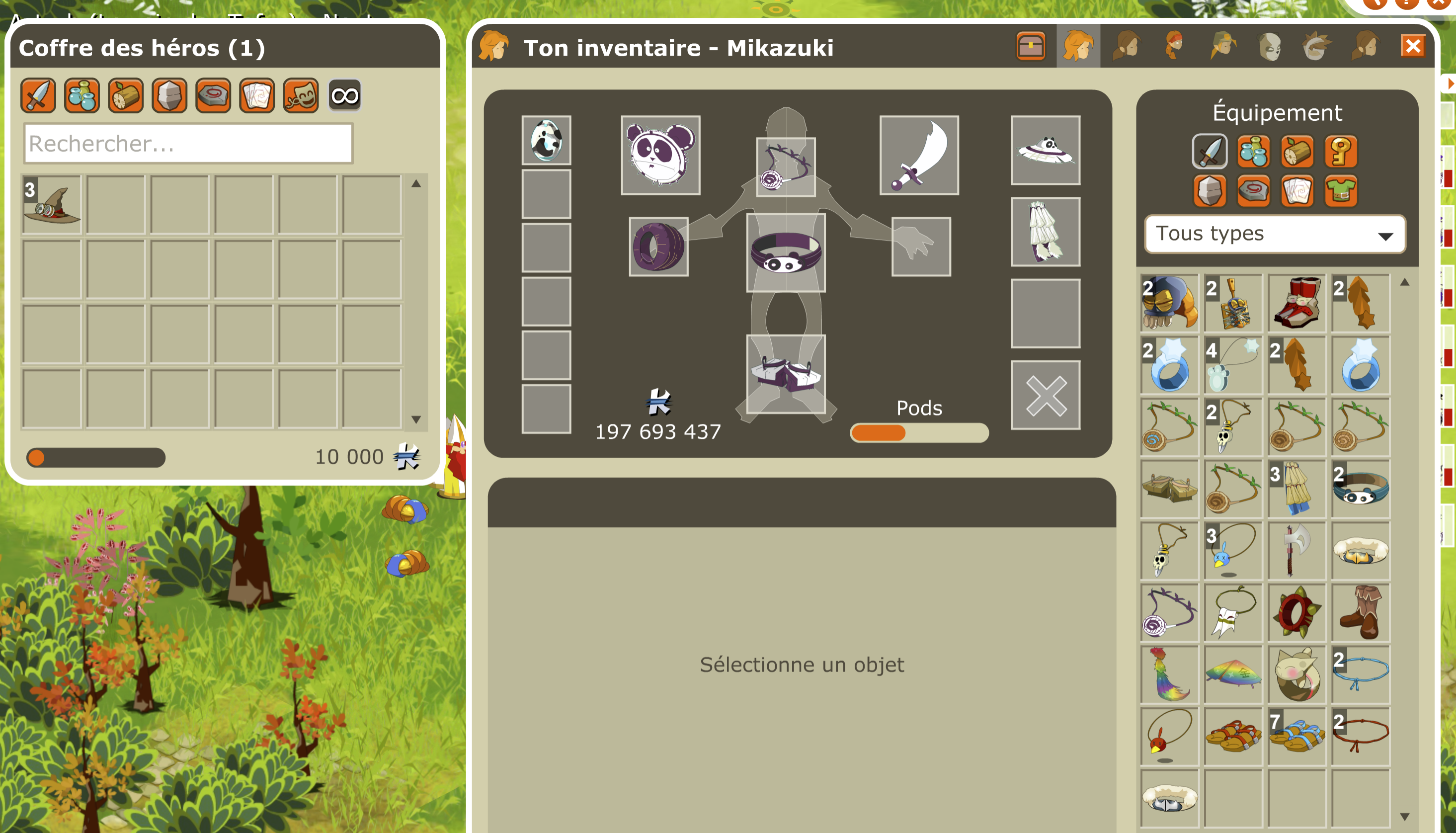
Shared hero chest
Find team items in a shared chest available outside combat.
Read more → - Team and characters
Centralize loot and kamas
Choose a carrier, such as your main character, to gather the team’s rewards.
Read more → - Jobs
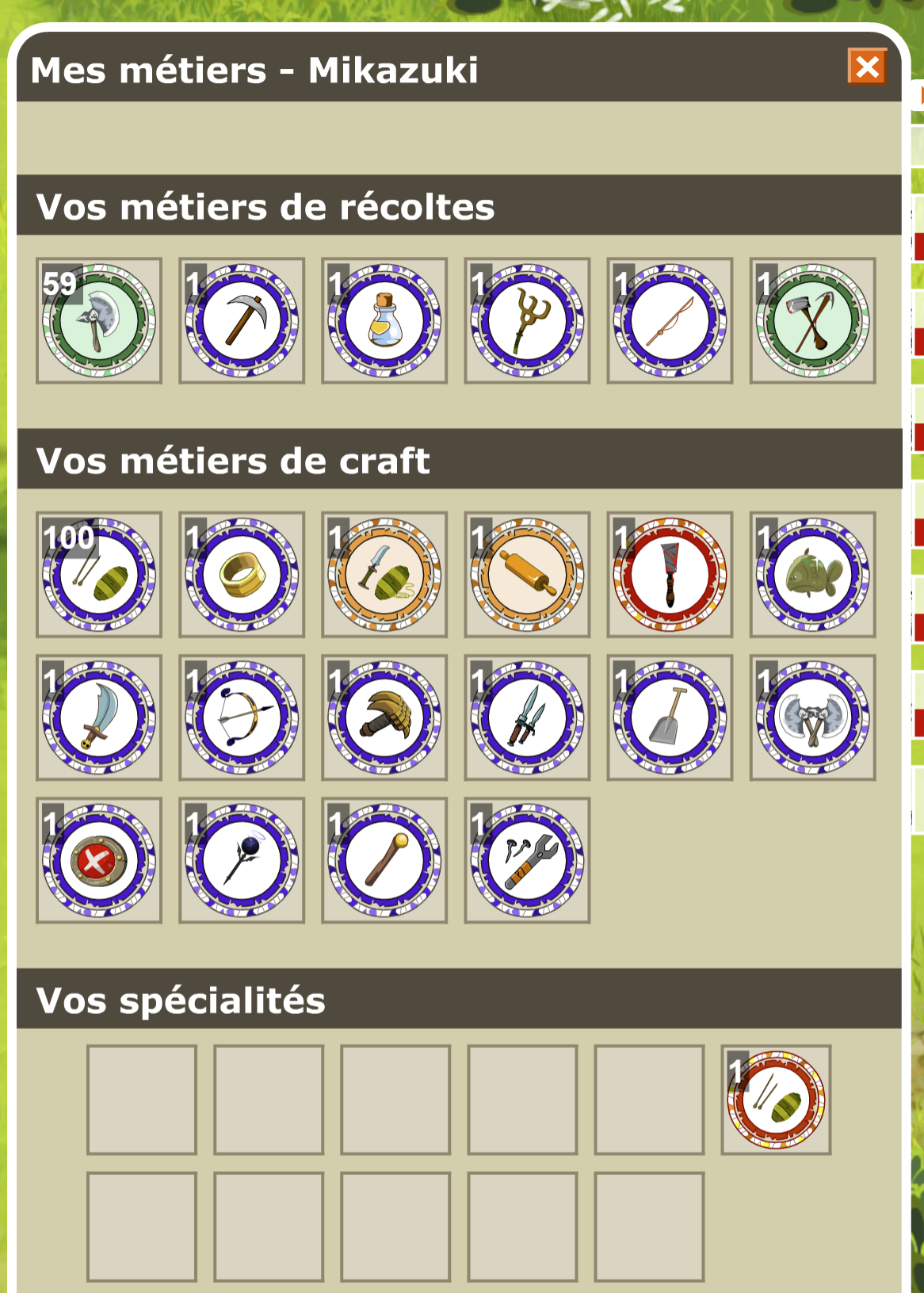
Start with every job
All 22 jobs are available from level 1.
Read more → - Jobs
Craft without failures
Known recipes succeed; unknown recipes consume nothing.
Read more → - Jobs
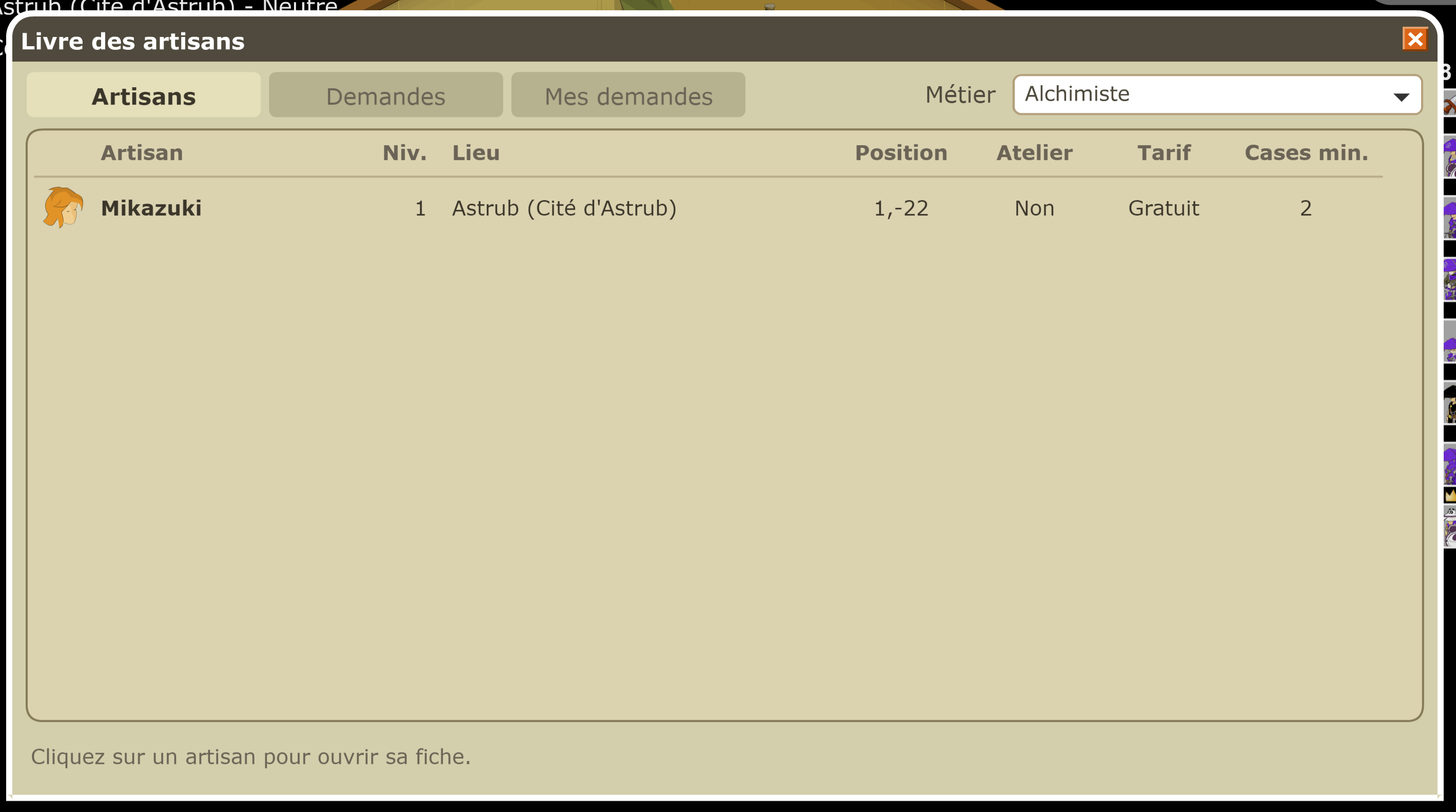
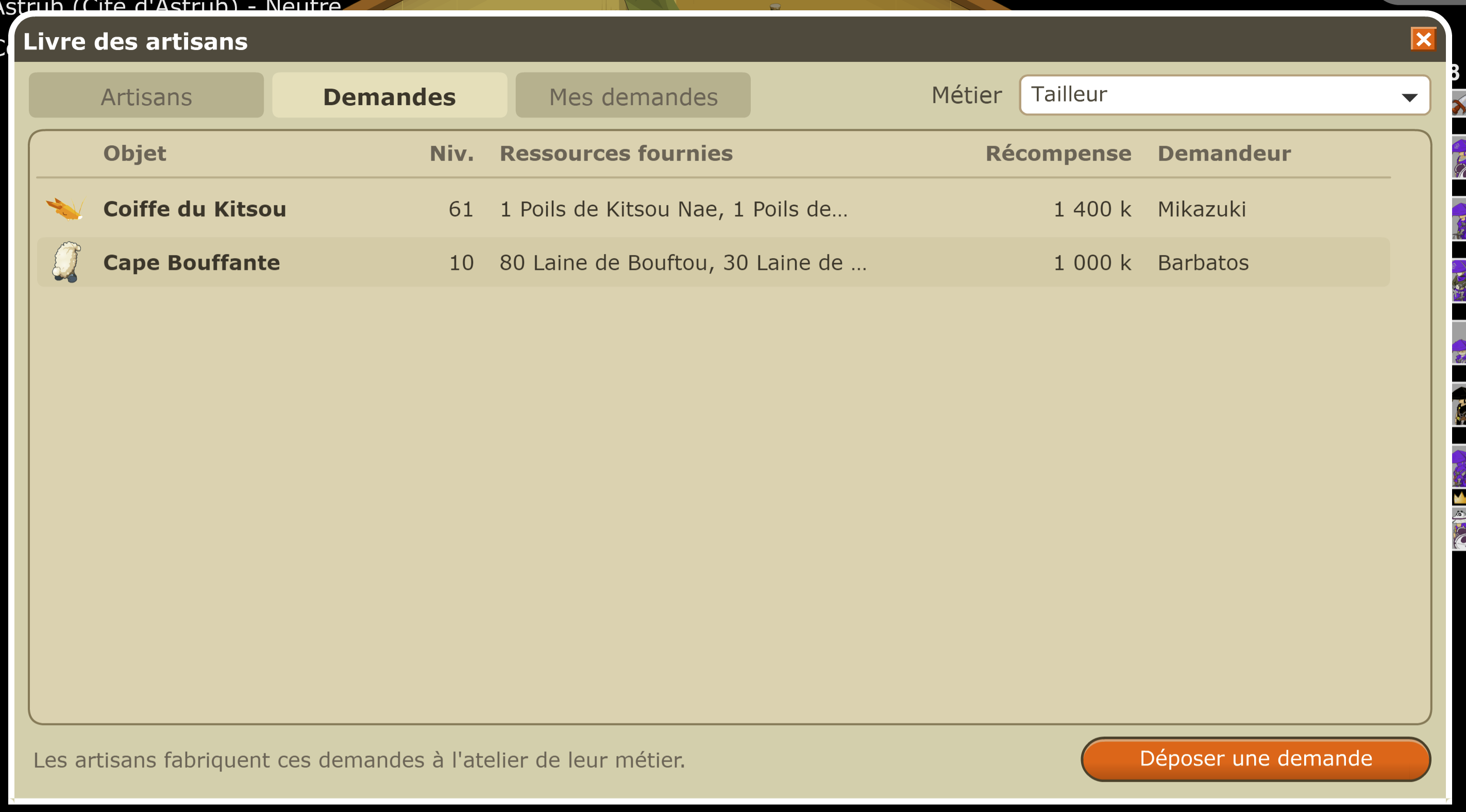
Browse the artisan book
Find an artisan by job and review available requests.
Read more → - Jobs
Order a craft while offline
Materials and kamas stay reserved until completion or cancellation.
Read more → - Jobs
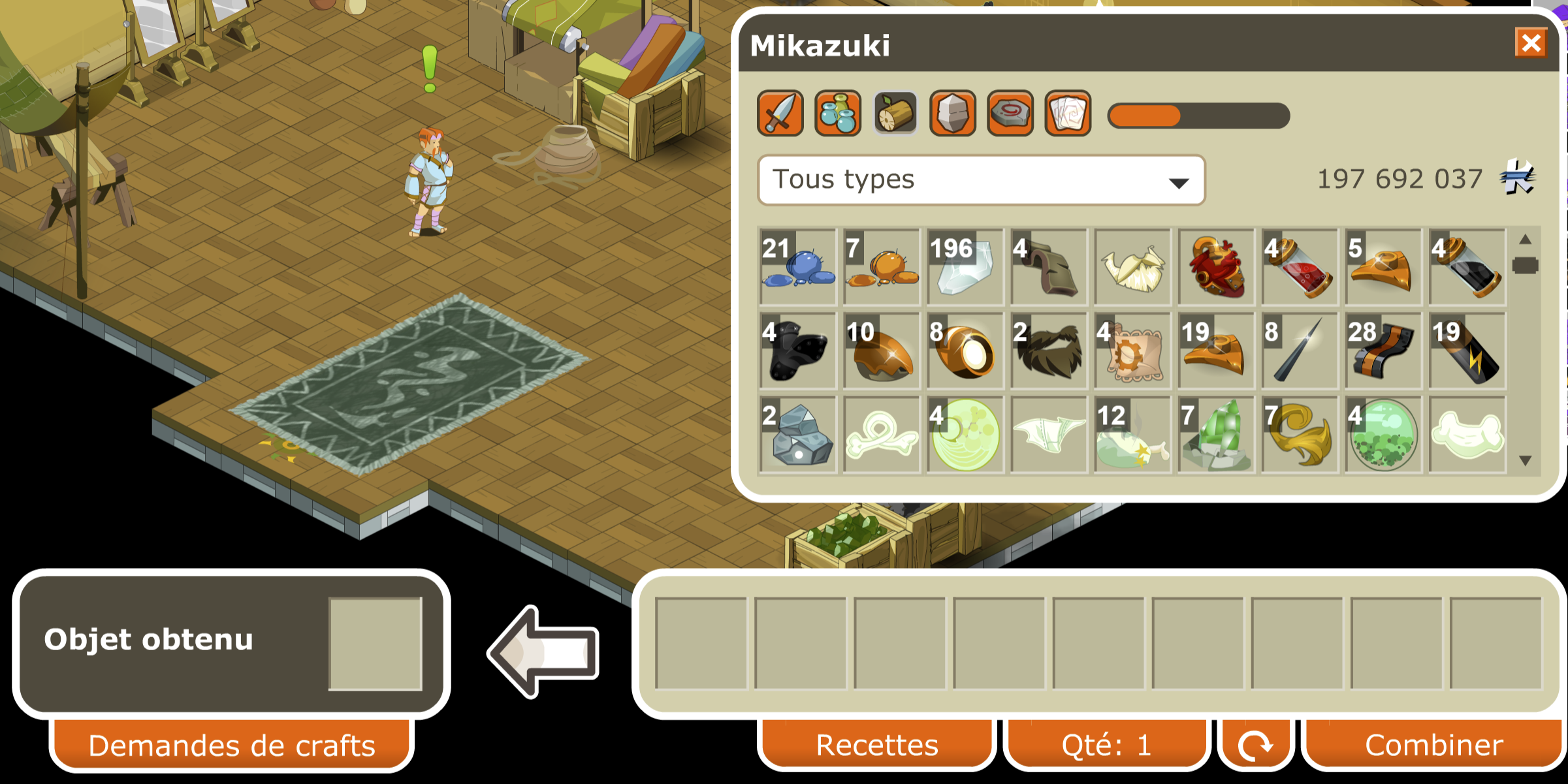
See requests for your job
At the craft table, open requests matching that job.
Read more → - Jobs
Learn your specialization automatically
The matching forgemagic specialization unlocks at job level 65.
Read more → - Jobs
Gather more at high levels
From level 100, get at least six units from resources up to level 80.
Read more → - Jobs
Trigger a resource guardian
From harvesting job level 30, one harvest in 25 can wake its guardian.
Read more → - Interface and items
Open the bank and auction house anywhere
Buttons remain available across the world; the shared auction house has no tax.
Read more → - Interface and items
Use houses and their chests
Houses and their chests work on Worldala.
Read more → - Interface and items
Keep a recipe beside your inventory
Pin a recipe, compare owned quantities and search an ingredient at the auction house.
Read more → - Interface and items
Find sources and recipes in the encyclopedia
Browse available items, sets, monsters, drops and recipes.
Read more → - Interface and items
Save equipment, stats and spells
Named sets can be loaded from the menu or shortcut bar.
Read more → - Interface and items
See an item’s possible stat range
Hold Ctrl or Shift over an item to view its minimum and maximum values.
Read more → - Interface and items
Find tools in the “+” menu
Profile, achievements, titles, sets, records, Kolizéum and calendar are grouped together.
Read more → - Progression and travel
Learn level-up spells automatically
New spells are learned and placed in the first available shortcut slot.
Read more → - Progression and travel
Auto-allocate characteristic points
Choose a stat and future points go there each time you level up.
Read more → - Progression and travel
Reset characteristics for free
Refund your points at any level, outside combat; scroll bonuses remain.
Read more → - Progression and travel
Know zaaps from character creation
Bonta and Brâkmar zaaps are already learned after Incarnam.
Read more → - Progression and travel
Reach dungeon fights sooner
Shortened dungeons, room for eight characters and an in-game key ring.
Read more → - Progression and travel
Check drop rates and requirements
The encyclopedia lists base rates and required team prospecting.
Read more → - Progression and travel
Plan around progression bonuses
XP, job and drop multipliers are explained with their exceptions.
Read more → - Progression and travel
Choose an alignment
Join or leave Bonta and Brâkmar at the militias; Pandala villages follow their city.
Read more →
Features in pictures
These screenshots follow the same order as the cards above and show the main useful screens in game.