
Hero mode
- 8characters in a fight
- 1single game window
- 32saved teams
How it works
A hero is one of your characters, taken from any of your game accounts. It joins your fights against monsters without being logged in. On its turn, you play for it from your own window.
5 characters on one account = 5 alternatives, not 5 heroes in the same team. To play 3 characters together, you need 3 game accounts. In My account, create several empty accounts at once, up to 20 per web account. Existing characters are not copied.
Create your heroes
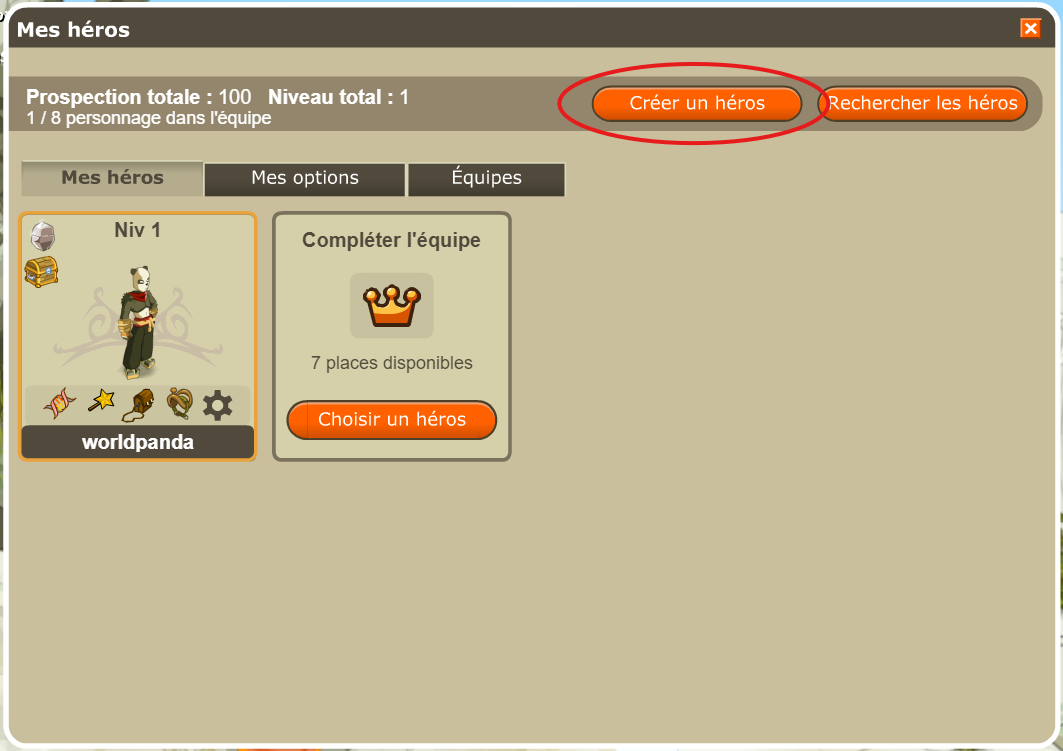
From Incarnam, click the crown at the bottom left or press F1 outside combat. This opens Mes héros.
- Click Créer un héros.
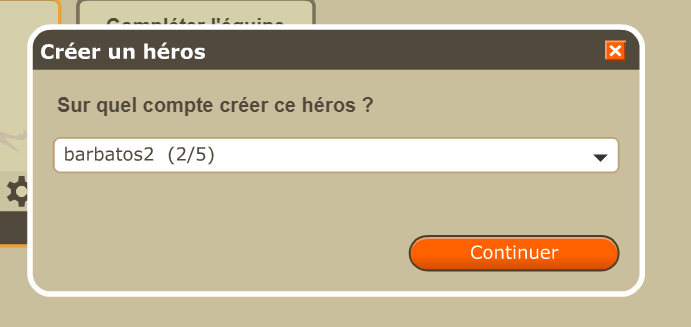
- Choose the account for your new hero, then Continuer. An account already represented in the team remains available if it has fewer than 5 characters.
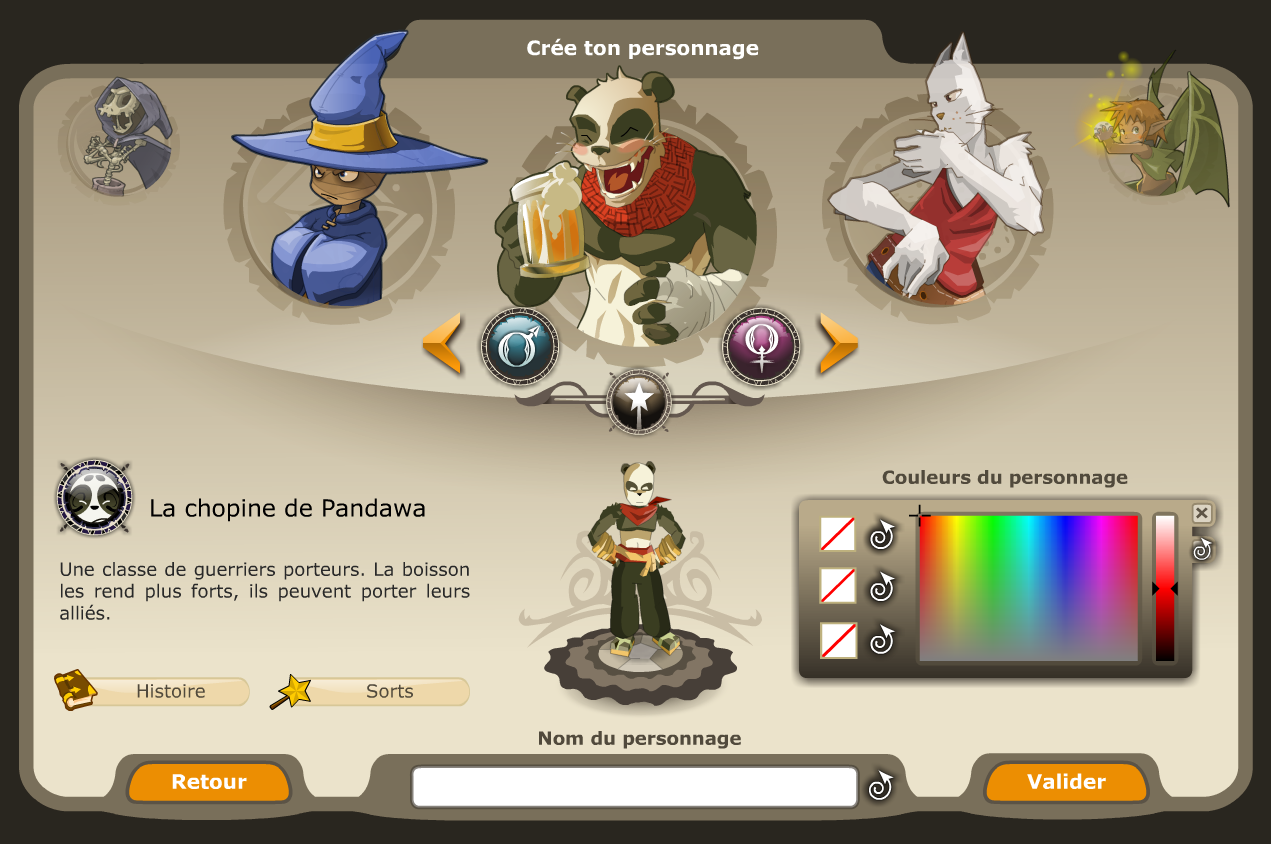
- Choose the hero’s class, name and colours, then confirm.
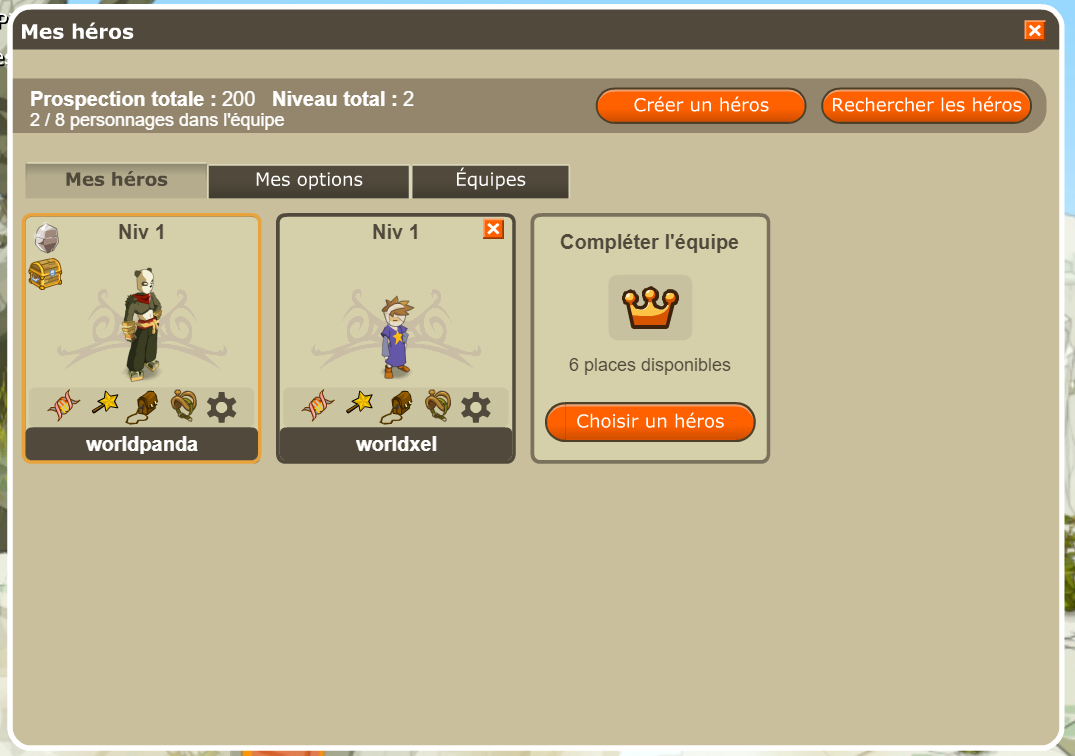
- Back in Mes héros, check that they are in the team. Repeat for the other heroes.
For an existing character, use Choisir un héros or Rechercher les héros. Keep your heroes’ accounts logged out: one member per game account, all owned by the same web account.
Your team


- Your hero list holds up to 8 characters. The heroes window opens with F1.
- You can save up to 32 teams, of 7 heroes at most, and switch between them.
- When a hero is created, its colours copy those of your character. You can change them.
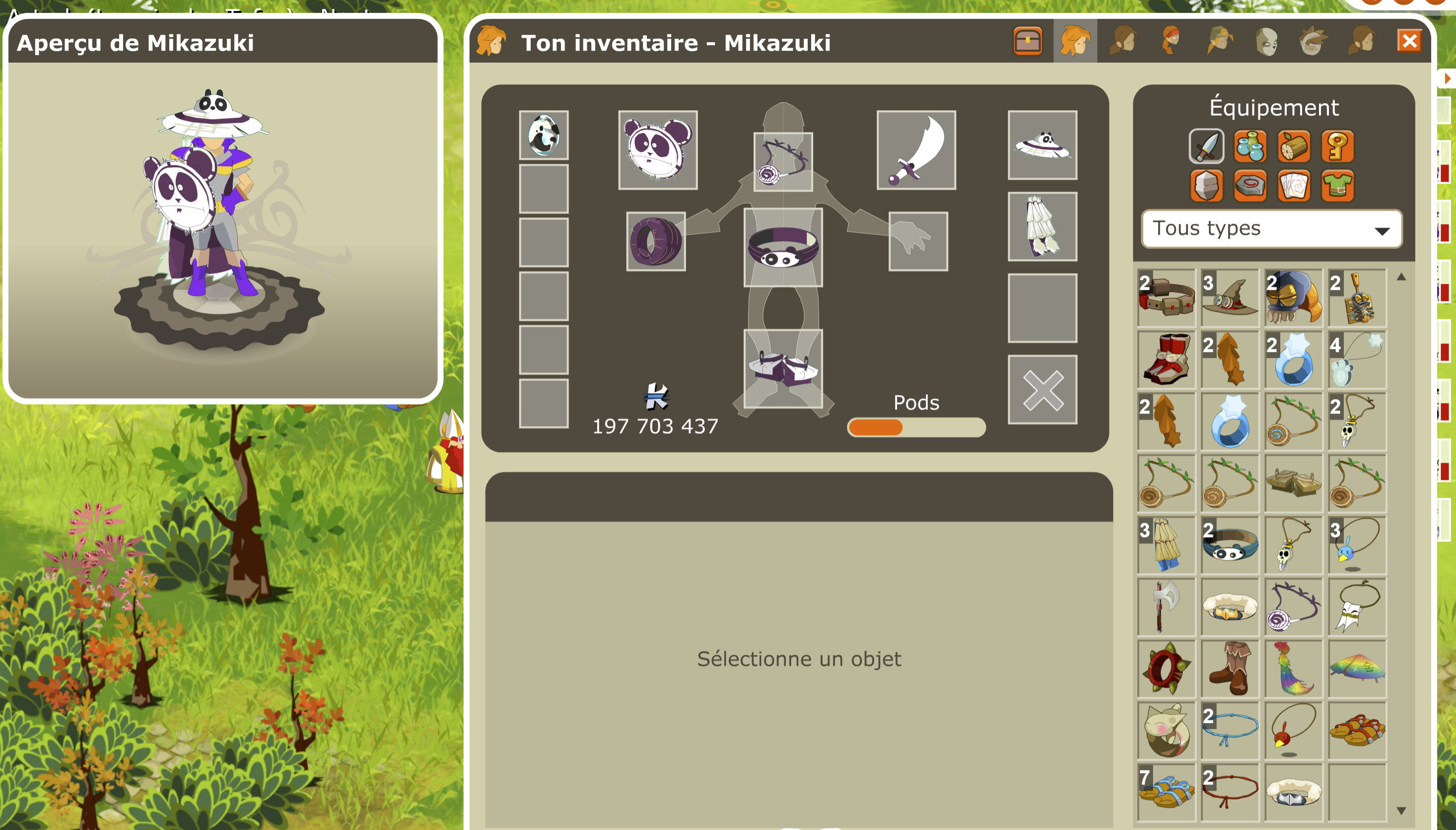
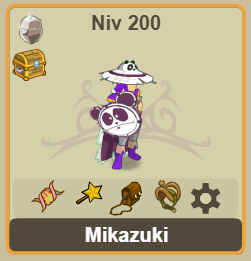
- Your heroes’ cards show the equipment they wear, even when they are not on the map.
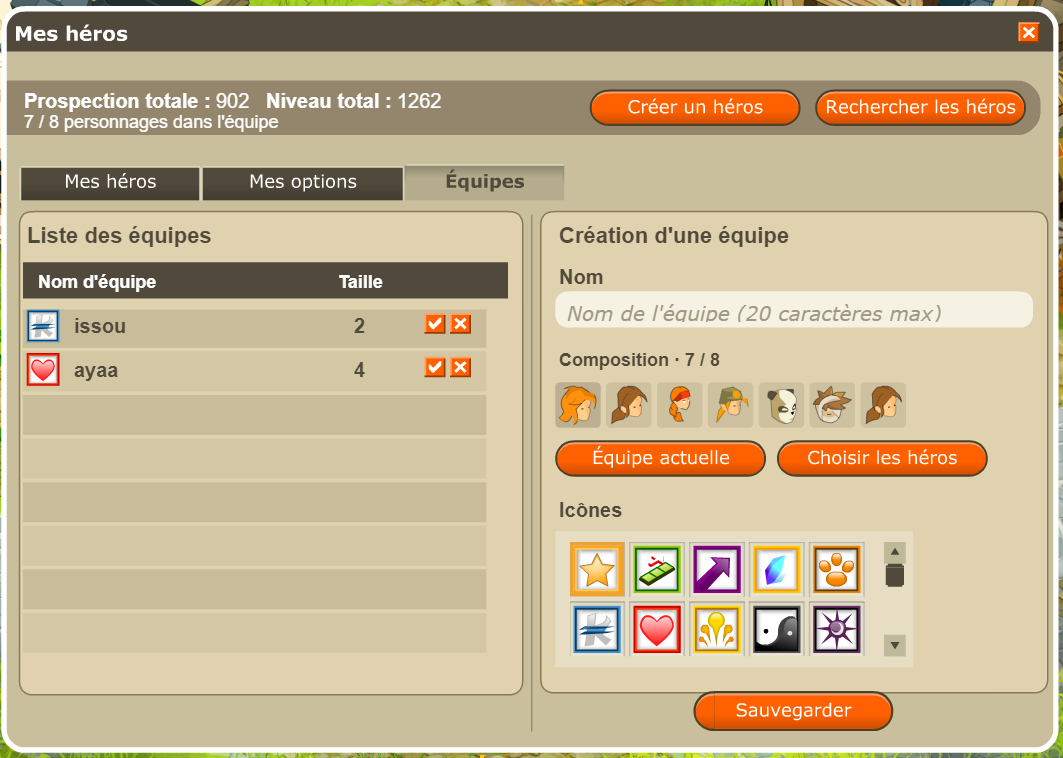
- Open Équipes and give your team a name.
- Click Équipe actuelle to use your current heroes, or Choisir les héros to change members.
- Choose an icon, then click Sauvegarder. Your team appears in the list.
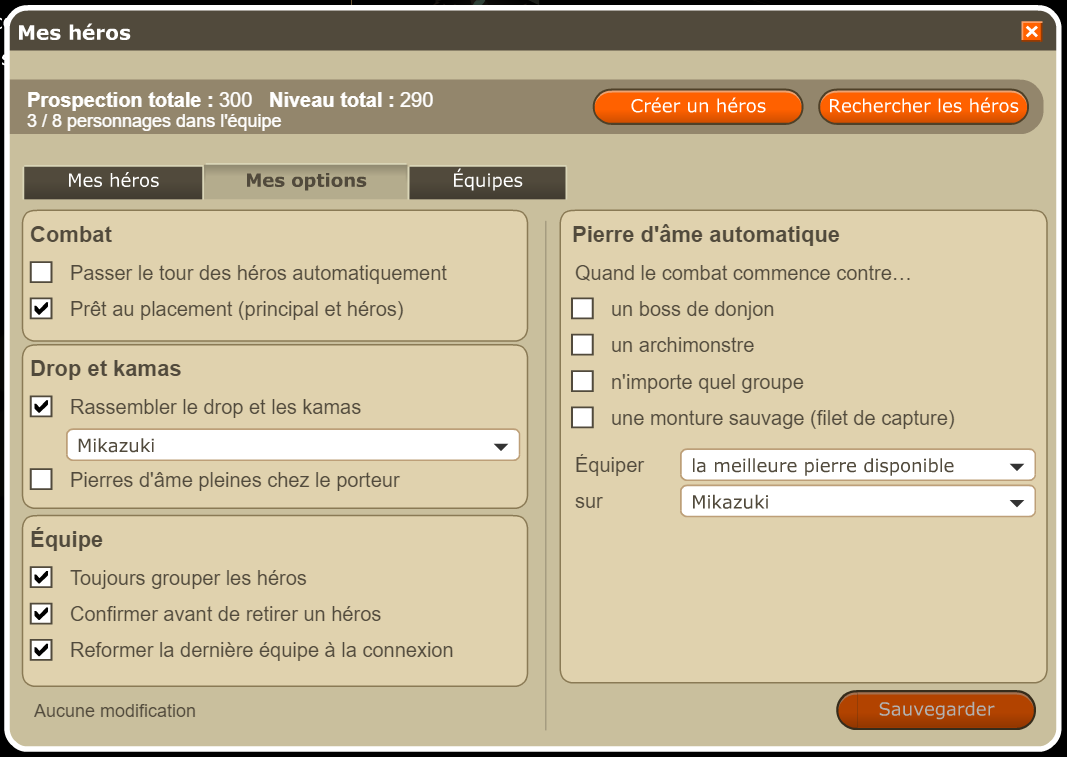
Settings
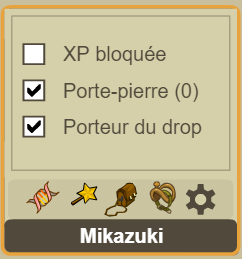
- Lock XP
- The character no longer gains experience in combat. Its jobs, mount and guild keep progressing.
- Skip turn
- Its turn ends as soon as it starts.
- Auto-ready at placement
- The fight starts by itself after one second. Not in a group with other players.
Win your first fight
- Choose a small group. In Incarnam, inspect monsters and their levels before starting a fight. If you are already in Astrub, look for a small Piou group. Avoid large groups for this first attempt.
- Position your team. Click a team member, then a starting cell. Check that your hero joined the fight, then click Prêt.
- Play each character’s turn. PM are movement points; PA are action points used to cast spells. Select a spell, check its range, then target a monster. End your turn when you are done.
- Read the results. After winning, look at the experience and items earned, then open your inventory. Equip what suits your level and spells.
In Mes options, leave “Prêt au placement (principal et héros)” and “Passer le tour des héros automatiquement” unchecked while learning. If you lose, try a smaller group and check your team’s health.
First goal reached: you have played your characters’ turns and finished a fight. You do not need all eight team slots to continue.
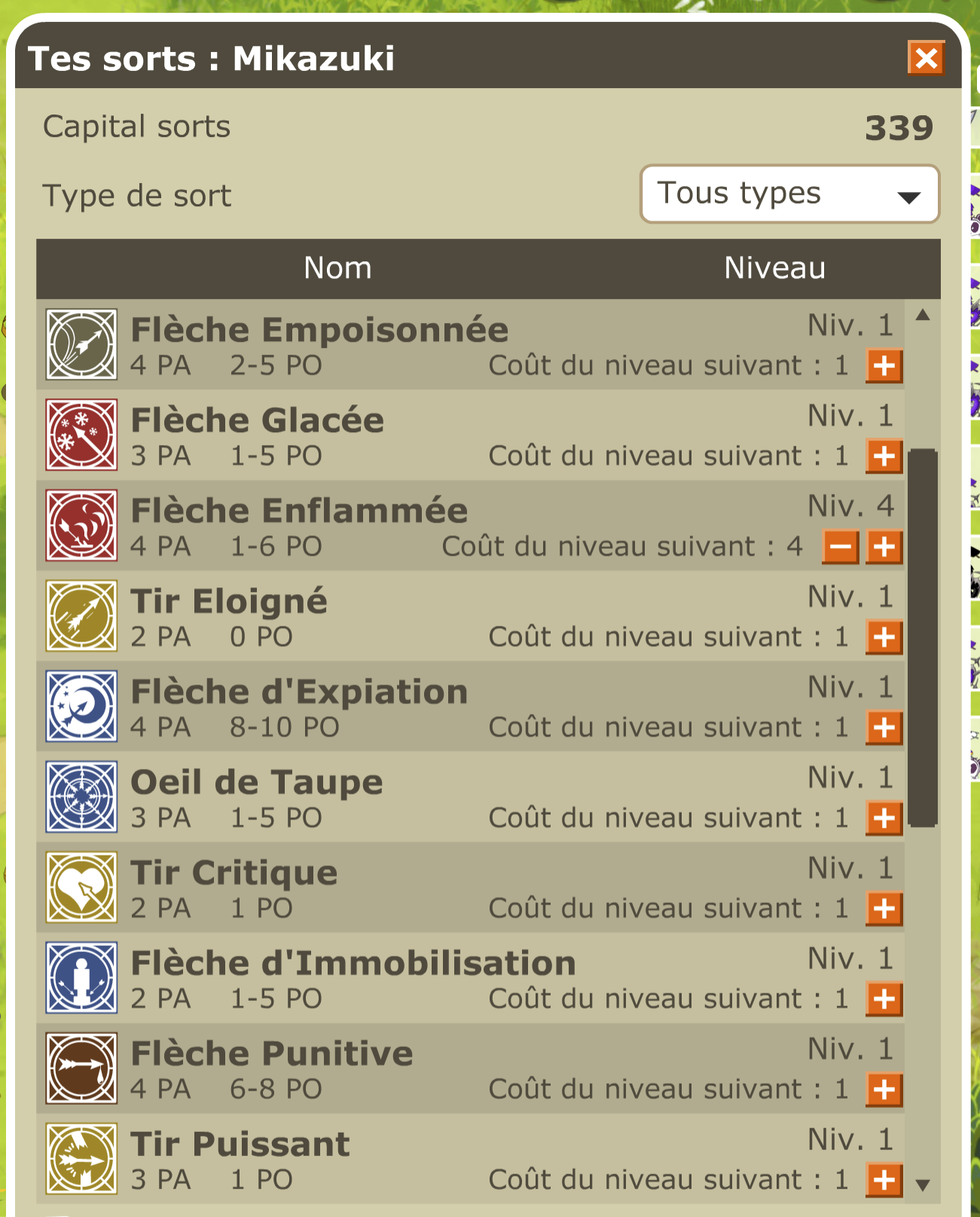
On a hero’s turn, their spell bar, sheet and inventory replace the main character’s. You can rearrange their spells in the bar: the changes are saved. The formation you choose during placement is remembered for the next fight.
Out of combat
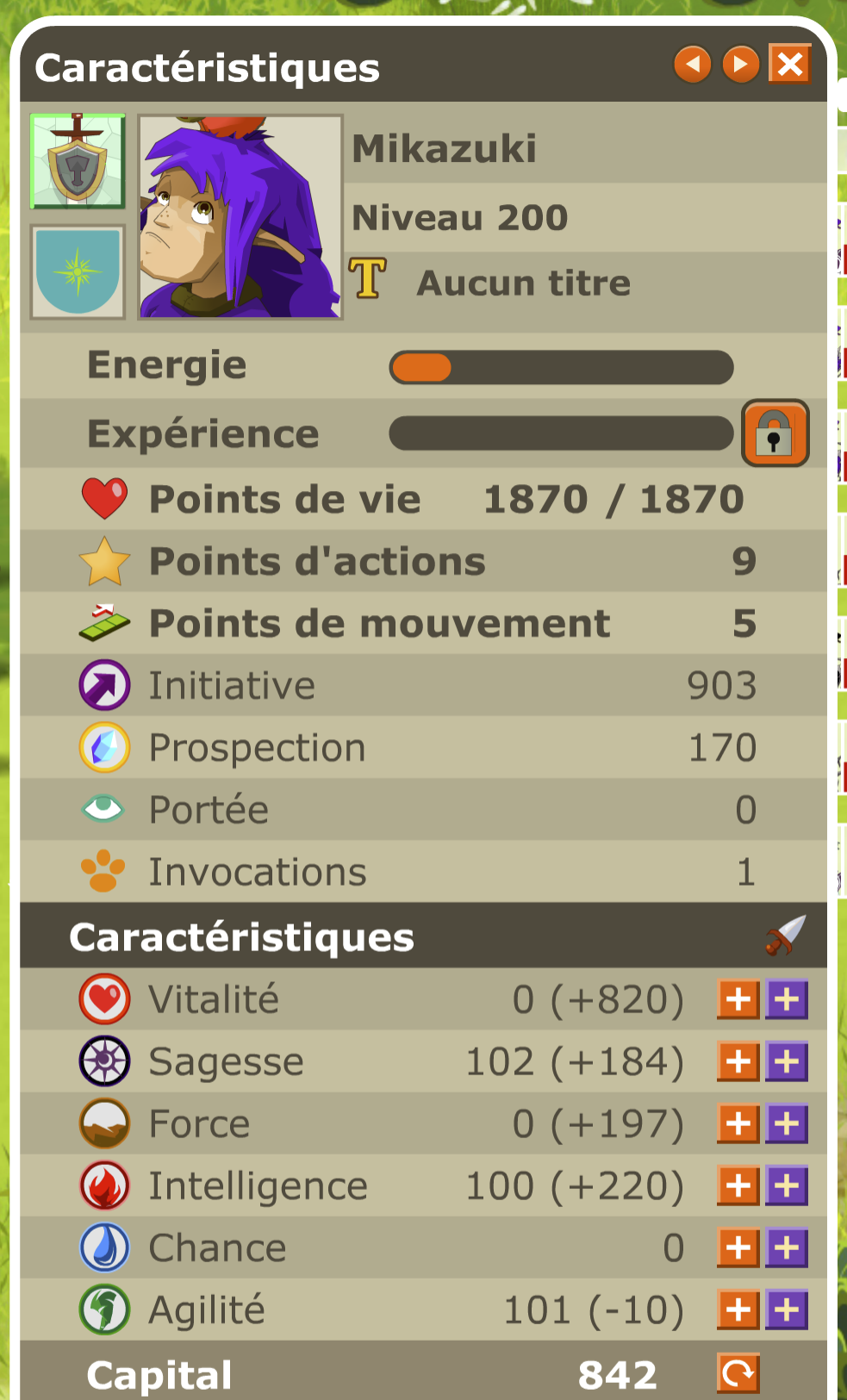
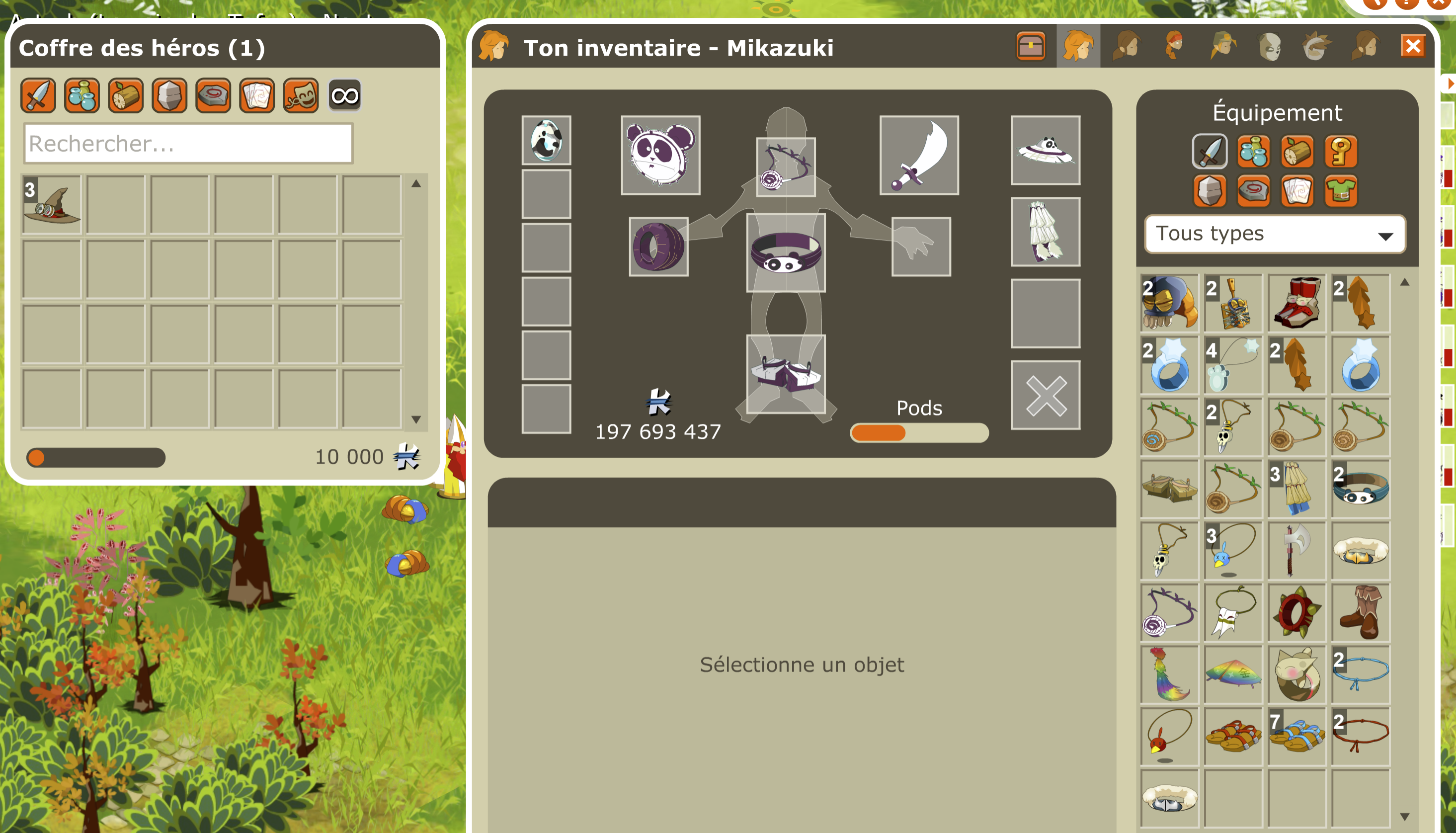
- You open each hero’s sheet, spells and inventory from its window. W and X switch to the previous or next hero.
- When the spell window shows a hero, the bottom bar displays its spells: you can arrange them.
- From its sheet, you raise its characteristics, reset them and choose its automatic distribution.
- An offline hero can use some items: life and energy potions, experience and characteristic scrolls, spell scrolls. The others (teleportation, pet, mount…) are refused.
- Each hero has its own titles and achievements.
- In a guild, the right to manage the XP given to the guild also applies to your own heroes.
What heroes do not do
- They fight against monsters only: no heroes in Kolizéum.
- In Gladiatrool, you can bring a single hero.
Useful tools right away
- Characteristics and spells
- Open each character’s sheet, spend their points and read their spells. Characteristics can be reset for free outside combat. See the settings →
- Hero inventories and loot
- Inspect equipment from the hero window; W and X switch between characters. In Mes options, you can gather drops and kamas on one carrier.
- Bank, auction house and encyclopedia
- The Bank and Auction house buttons are at the bottom left. The encyclopedia shows where to obtain gear and how to craft it. Keep resources for your next piece.
- Achievements and help
- Open Succès in the “+” menu to choose a small goal. Ask other players for help with /c. Find your way around the interface →
Choose your next step
Next session, aim for your first Adventurer set piece in Incarnam. At level 20, Tour du monde will guide you through dungeons.
Continue: your first levels →